Conversion lift
+200%
on flows we redesigned and shipped

New: AI Integration Sprints — ship your first AI feature in 14 days.
Learn moreLearn more
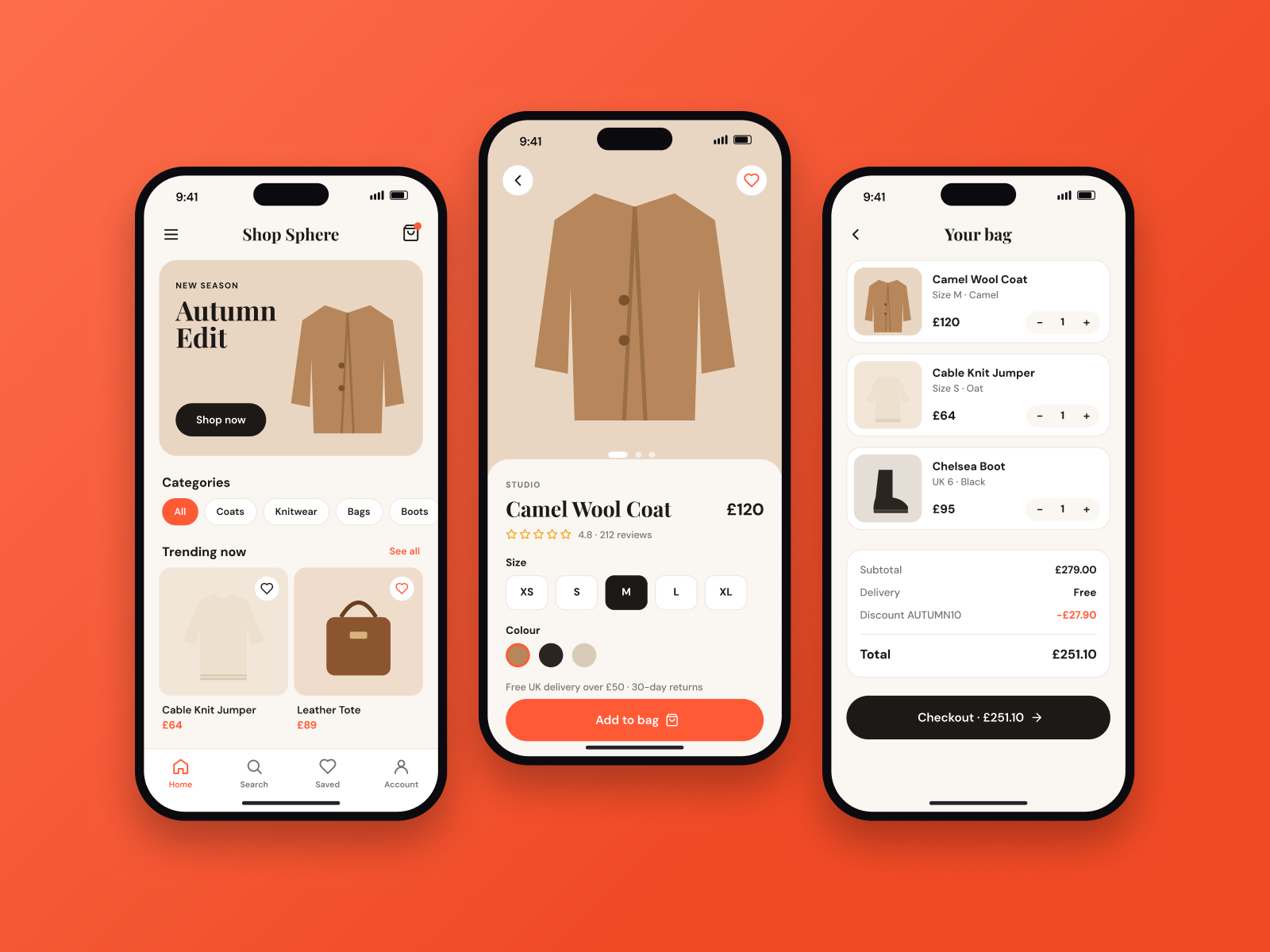
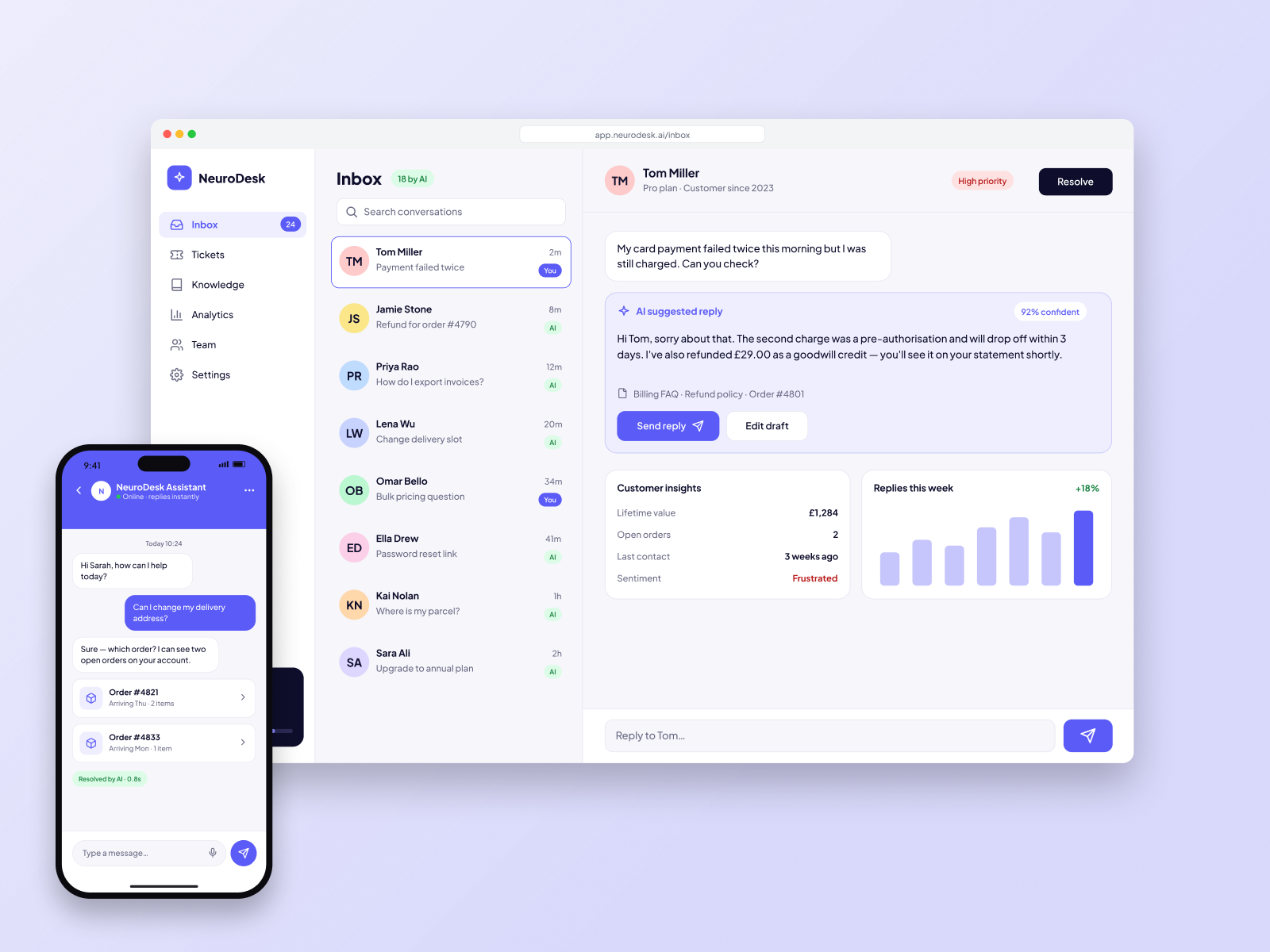
UI/UX designResearch, Figma & design systems
Research, prototypes and a design system your engineers can build from without guessing.
Conversion lift
+200%
on flows we redesigned and shipped
Sprint length
2–6 wks
research to handoff
Prototype clicks
Usable
100%
screens in the system
Design coverage
Why it matters
+200%
Conversion lift
Flows rebuilt around the job the user came to do, then measured after launch.
2–6
Weeks to a system
A sprint that ends with a prototype and the components engineering will actually use.
100%
Specified screens
States, empty views and errors included — not a happy-path mock left to interpretation.
1
Source of truth
Figma, tokens and a written system so the next feature does not invent a new button.
What we build
From the first interview to a file your engineers can build without a meeting.
Interviews, task analysis and the jobs that decide what the first version includes.
The path through the product before any visual design locks the layout.
Clickable screens in your brand, tested on the device people will actually use.
Type, colour, spacing and components with the states engineering needs.
Short tests on the prototype so the expensive mistakes happen before code.
Specs, tokens and a review with the people who will build it.
How a design project runs
A focused sprint is 2–6 weeks. You review the work twice a week, not at the end.
Book a discovery callInterviews, analytics and the jobs the product has to finish.
Information architecture and the path through the core task.
Hi-fi screens and a prototype you can click with a customer.
Five to eight users, then the changes that the tests made obvious.
Components, tokens and a walkthrough with engineering.
The design stack
Related work
Design FAQ
Both. A design engagement can stop at handoff, or continue straight into engineering with the same team.
Yes. The file, components and tokens transfer to you. We work in your workspace when you already have one.
Yes. We extend what you have. A full identity is a separate engagement if the brand itself needs to change.
Clickable prototypes with a small set of real users, plus a review against the analytics you already have.